Little squares.
Big happy pictures.
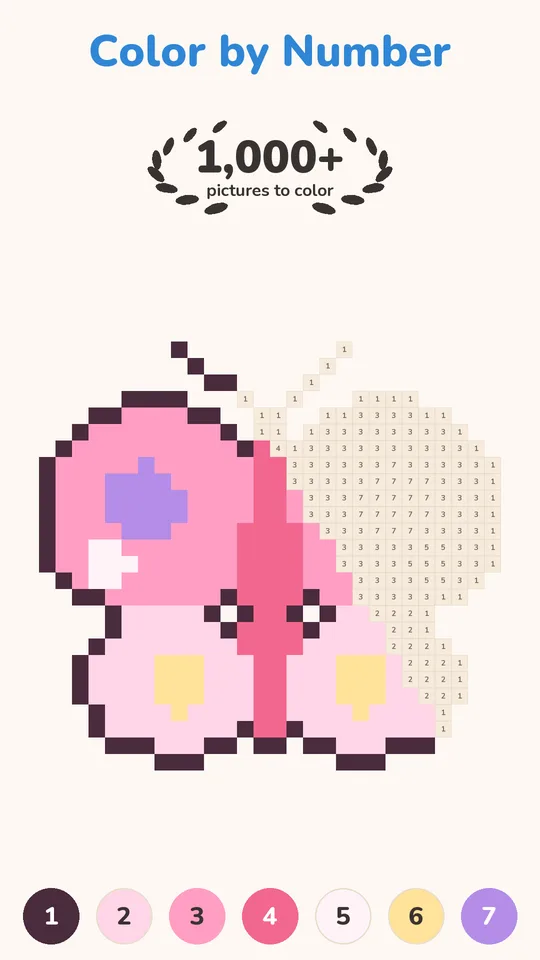
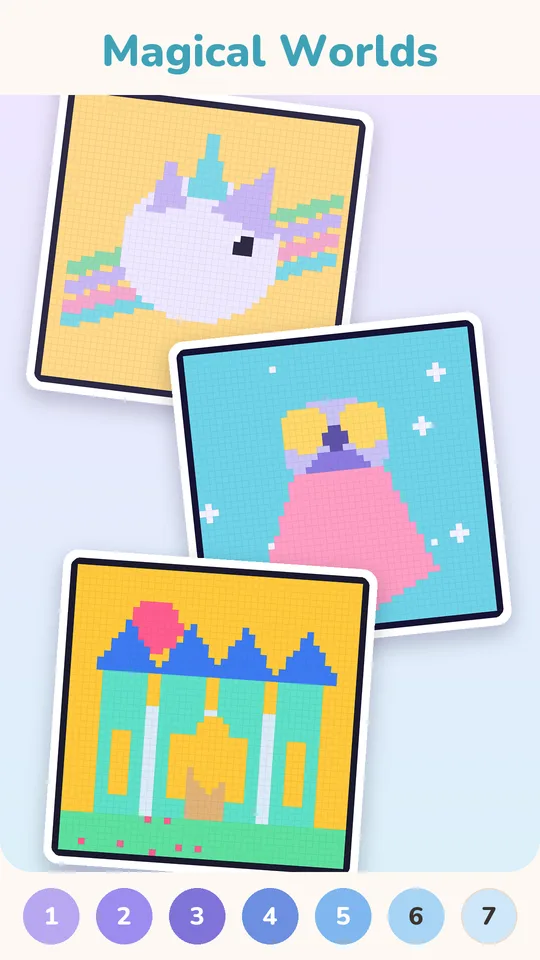
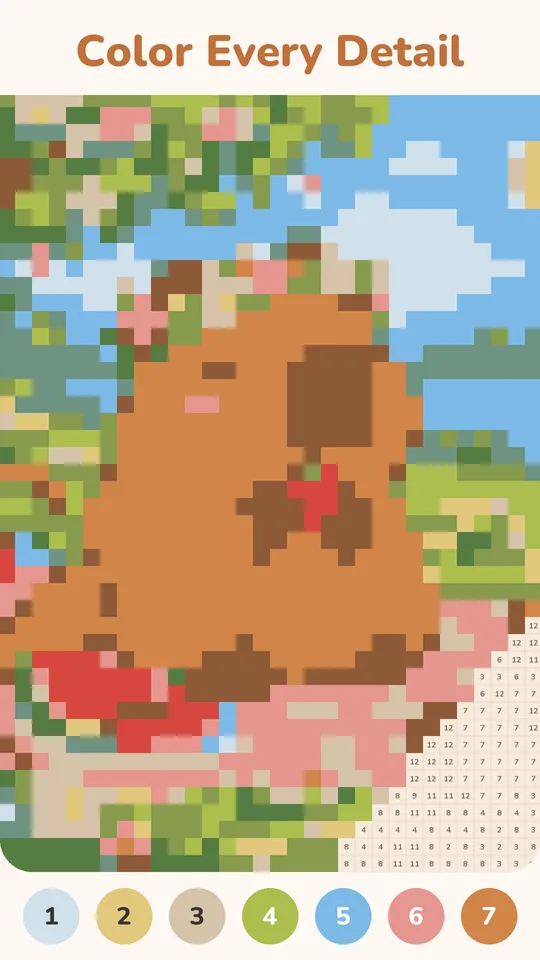
Pixel Joy is pixel art color by number with a sunny, cozy feel. Pick a numbered color, tap or drag across its squares, and watch a cheerful picture appear one pixel at a time. No drawing skills needed, and no way to color outside the lines.
Made for happy little moments
Everything you need for a relaxing color break, and nothing that gets in the way.
Tap or drag to fill
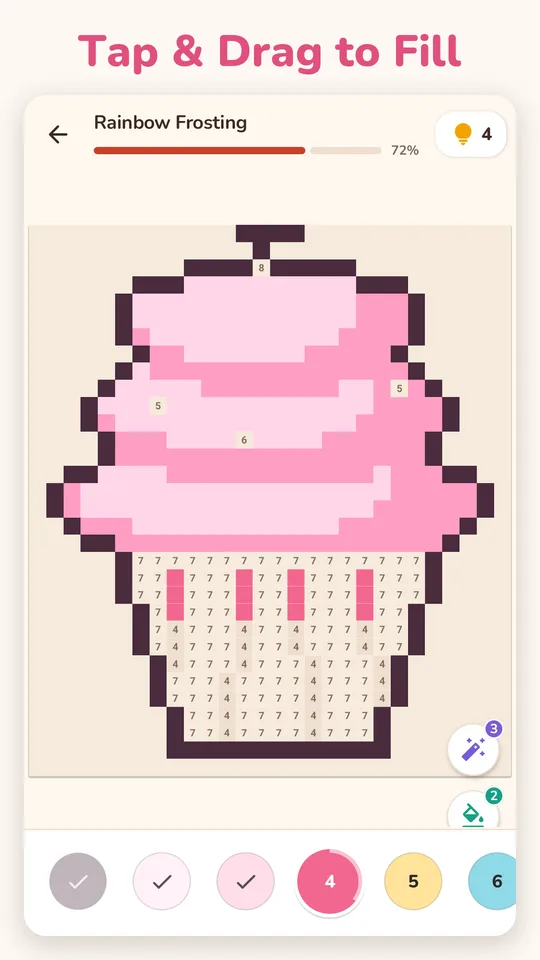
Tap one square, or slide a finger across a row and every matching square fills along the way. Two fingers move and zoom.
Zoom right in
Pinch into the tiniest corner of a picture. The grid and the numbers stay crisp at every size.
A hint when you need it
Lost the last square? Tap the bulb and a hint finds it and fills it for you.
A picture every day
The Daily calendar has a fresh picture each day. Missed one? Page back through the month and color it later.
Awards that give back
Finish pictures, keep a streak and explore categories. Awards pay out hints, and some unlock a bonus reward picture.
My Works, replay & share
Everything you start waits in My Works. Replay a finished picture, save it, or share it as an image, a timelapse or a greeting card.
Categories & search
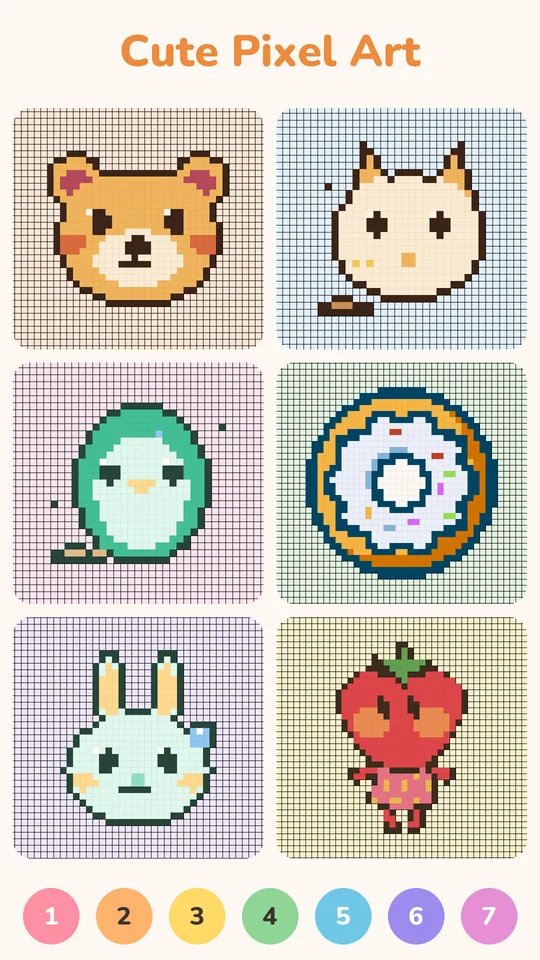
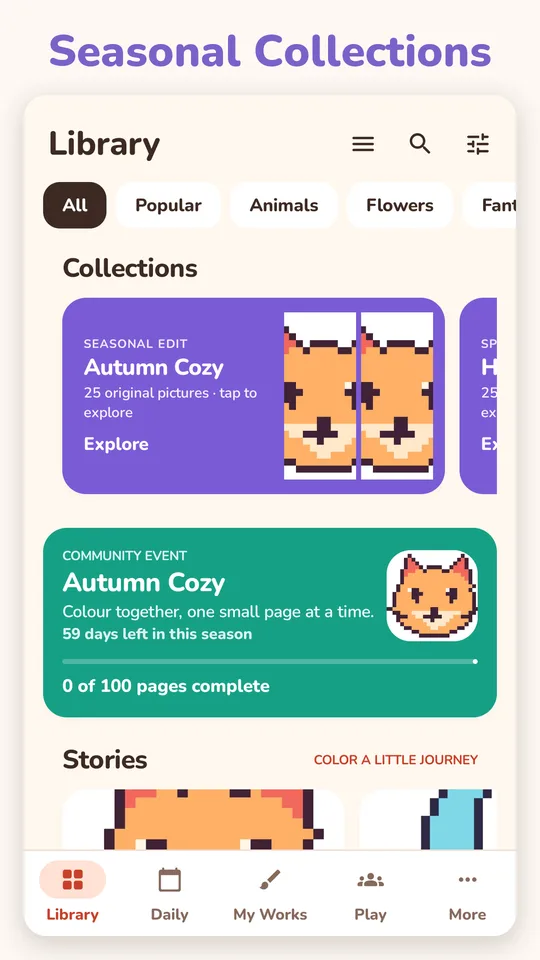
Animals, food, flowers, fantasy, seasonal sets and more. Browse a category or search for exactly what you feel like.
Comfy your way
Bigger numbers, stronger highlights, a magnifier, one-finger zoom, gentle sounds, and light or dark themes.
Screens
FAQ
Is Pixel Joy free?
Yes. You can color free pictures, the daily picture and use free hints without paying. The free version shows ads. Premium removes ads, unlocks the premium pictures and gives unlimited hints.
Do I need an internet connection?
No. Pictures already on your phone can be colored anywhere. The internet is used for ads, purchases, anonymous statistics and new content.
Do I need an account?
No. There is no sign-up. Your progress is saved on your phone.
How do I restore Premium on a new phone?
Sign in to Google Play with the account that bought it, open Pixel Joy, then More › Restore purchases.
How do I cancel a subscription?
Open the Play Store, tap your profile picture, then Payments & subscriptions › Subscriptions › Pixel Joy › Cancel. Uninstalling the app does not cancel it.
Where do the pictures come from?
The pixel pictures are made for the app. Credits for anything adapted from a free-to-use source are in the app under More › Artwork credits.
More answers on the support page.